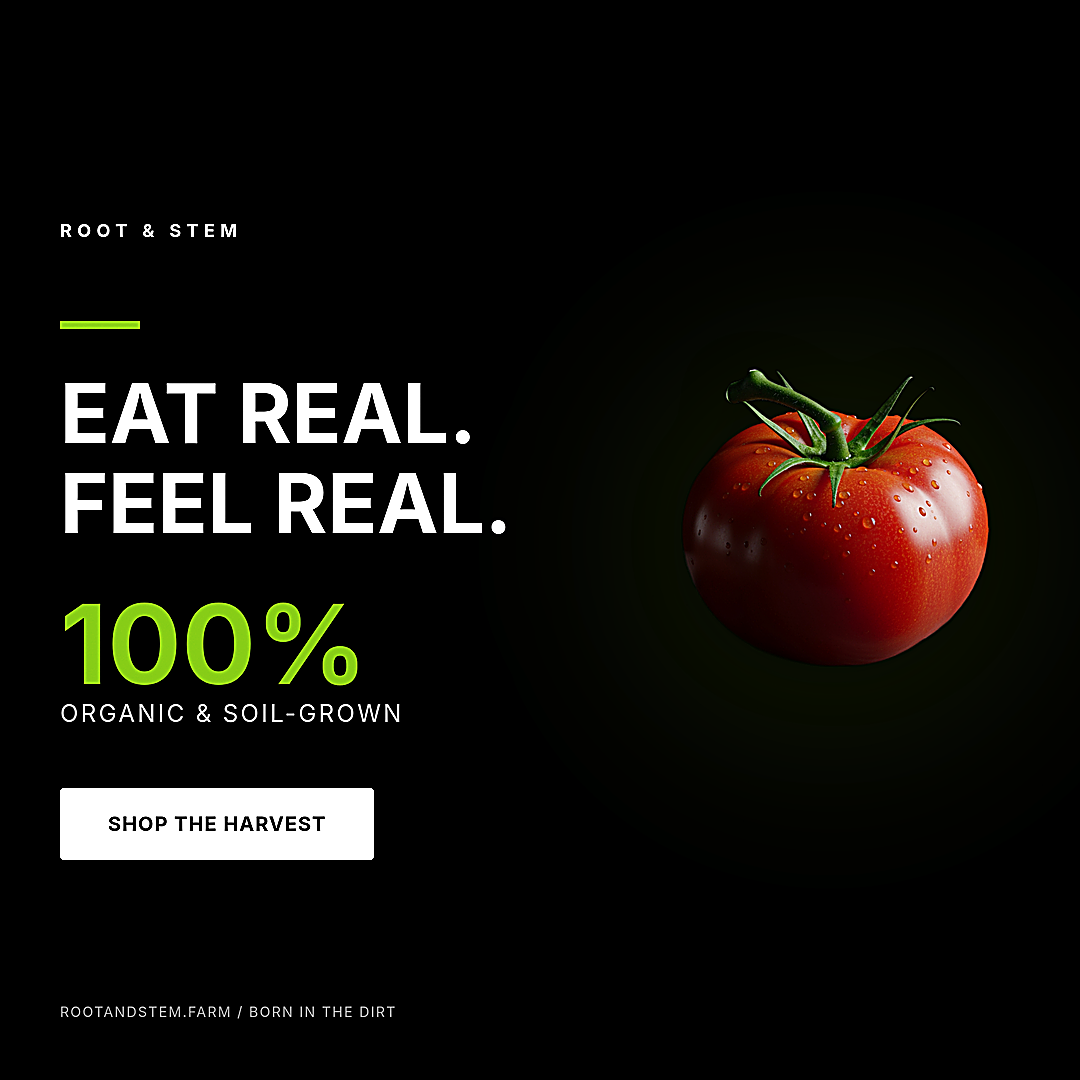
Native vertical, not a cropped square
A square cropped to 9:16 forces the headline outside the safe area and discards a third of the image. A native 1080×1920 generation composes the visual and headline inside the vertical canvas from the start: hero element in the top half, headline in the middle, CTA above the bottom safe zone reserved for the system sticker.
The same PNG works for Stories and Reels (and TikTok, which shares the 1080×1920 aspect) without re-export.
Square for feed, vertical for Stories
If you produce one creative per campaign, 1080×1080 is the lowest-friction choice — it fits Instagram, Facebook, and LinkedIn feeds with no re-export. For Stories and Reels, switch to 1080×1920. Both formats come from the same image-creative endpoint; the only change is the format field in the request.
FAQ
Are Story ads natively vertical or cropped?
Native. The art director composes for the 9:16 aspect directly — the generation uses a 9:16 aspect ratio, not a centre-crop of a square.
Does the same file work for Reels and TikTok?
Yes. Reels and Stories share the 1080×1920 aspect, and TikTok accepts the same file — one PNG, three placements.
Where does the headline sit?
Inside the central content area, above the bottom safe zone reserved for the platform CTA sticker, so the copy is never clipped.
How do I generate one?
Open the terminal with the "Try" button or POST a brief with format 1080x1920 (Story) or 1080x1080 (feed). See the Instagram Story ad API guide.
Generate your own
Open the public terminal with a starter prompt pre-filled, tweak it, and ship.