What makes a LinkedIn ad creative work
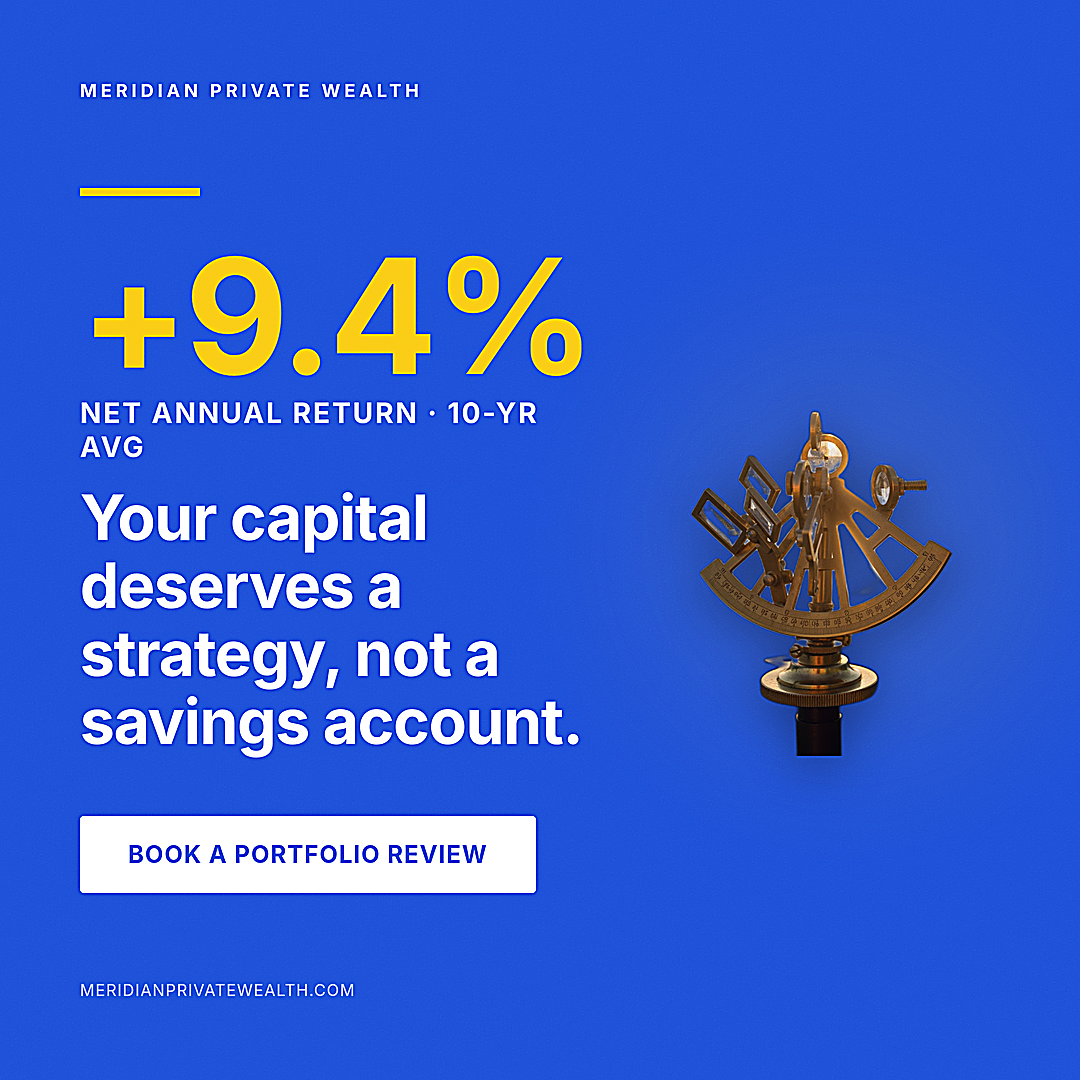
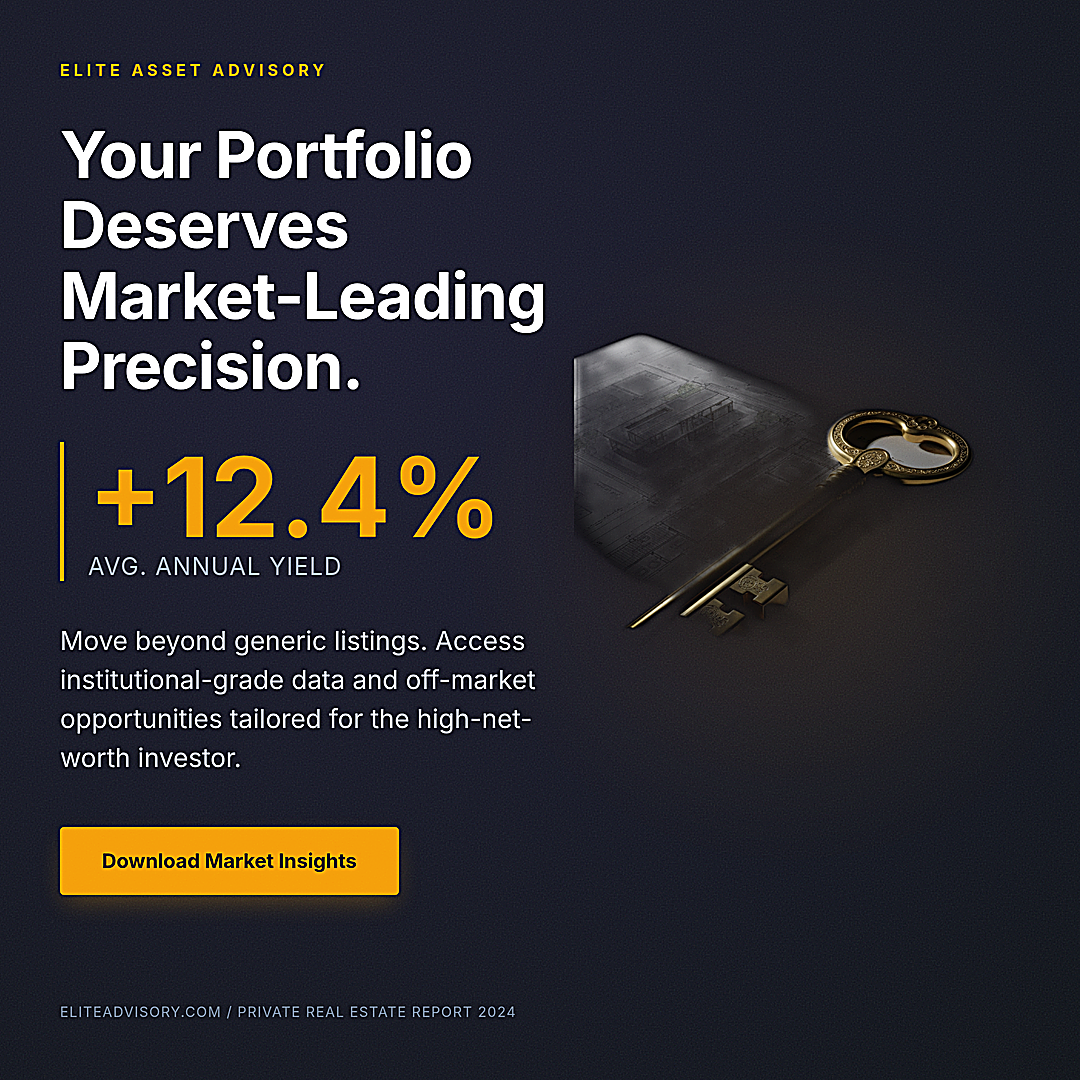
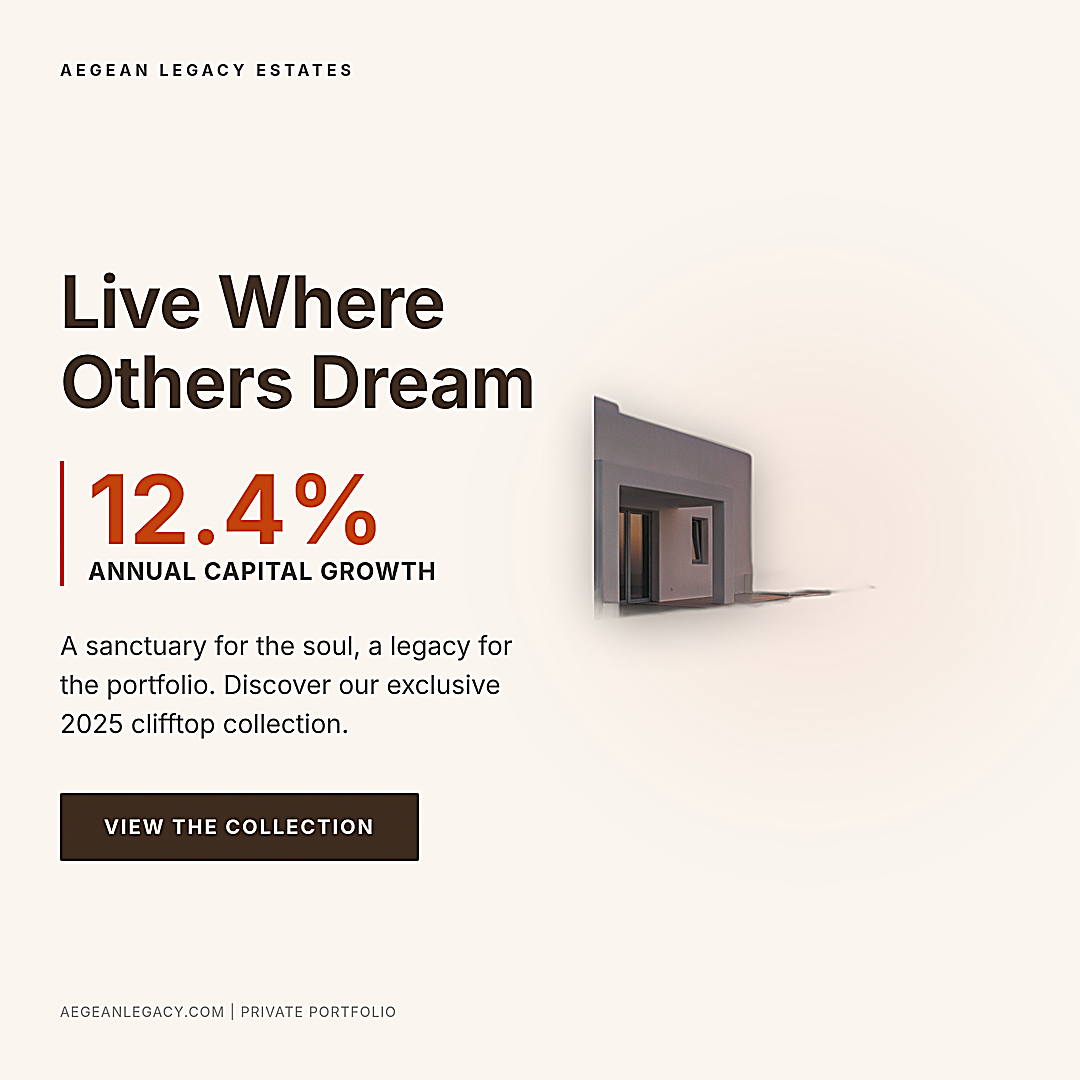
LinkedIn sponsored content lives or dies at thumb-stop distance. The placement renders the 1200×628 landscape format larger than most feeds, so the hierarchy matters: one dominant visual, a short hook headline, an optional proof stat, and a CTA that reads in two or three words. The examples here follow that structure because the art director composes for the format, not for a generic square that gets cropped later.
The other failure mode is text. Diffusion models approximate letterforms, which is why most "AI ad" tools force you back into Photoshop to retype the headline. The 42 Image Creative pipeline generates the visual first, then renders your literal copy as HTML/CSS over it — so what you type in the brief is what appears on the ad, legible at any zoom.
From example to your own creative
Pick an example whose tone matches your campaign, open it, and read the prompt. Then adapt it: swap the brand, audience, headline, and CTA, keep the structural cues (format, dominant element, tone). One API call returns one PNG at the exact pixel dimensions — no client-side cropping, no retyping.
If you run paid LinkedIn at volume, the API matters more than a design tool: it is a plain REST endpoint, so it plugs into n8n, Make, Zapier, or an MCP agent. Generate the creative, then upload via Campaign Manager.
FAQ
Are these real outputs or mockups?
Real. Every creative in the gallery is a public generation from the 42 Image Creative actor — the same endpoint you would call. Click any example to see its prompt and detail page.
Is the headline really sharp text?
Yes. Headlines, stats, and CTA labels are rendered as an HTML/CSS overlay on top of the AI visual, so they are vector-clean rather than diffusion pixels. The system prompt targets WCAG AA contrast, though contrast is not yet post-validated per output.
What size are LinkedIn ad creatives?
1200×628 (landscape) is the dedicated sponsored-content format. 1080×1080 (square) also works in feed. Both come from the same API at the exact pixel dimensions.
How do I generate one?
Open the terminal with the "Try" button, or POST a brief to the image-creative endpoint. See the LinkedIn ad creative API guide for the full request shape and code.
Generate your own
Open the public terminal with a starter prompt pre-filled, tweak it, and ship.